




What is Capterra?
This the integration allows users to enrich company data by accessing Capterra’s extensive software and service listings directly through Clay’s platform.
Using the Zenrows API, the action retrieves detailed company information from Capterra based on a specified domain.
How do you use Capterra?
To use Capterra, simply access it through the integration panel. Each enriched cell will automatically use 1 credit, managed directly through your Clay account.
Action Enrich Company (via Zenrows)
Step 1: Select the Enrich Company (via Zenrows) action

Step 2: Select Zenrows Account
Proceed with either a Clay-managed or a personal account.
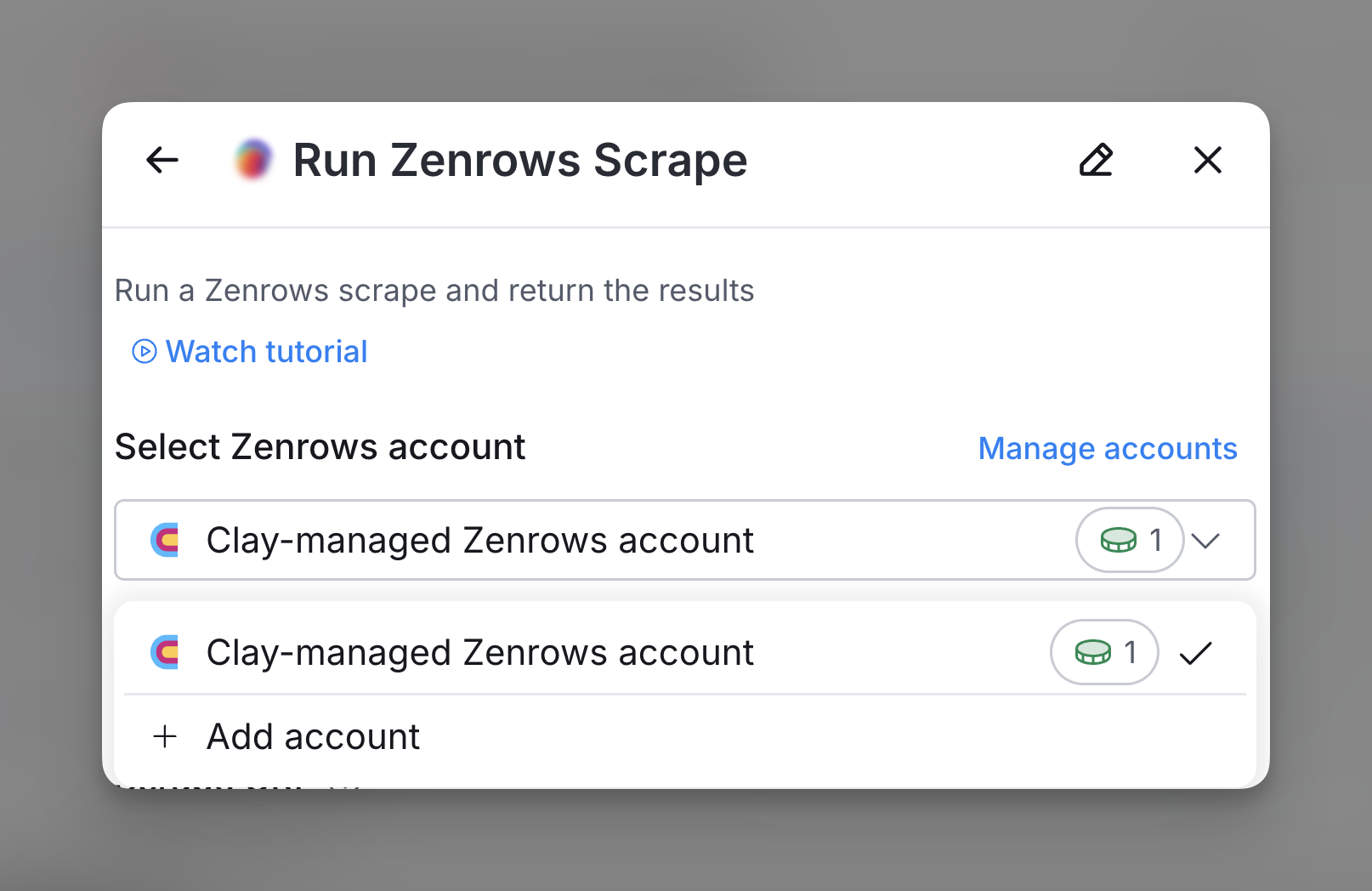
Step 3: Input scrape URL and setup configuration
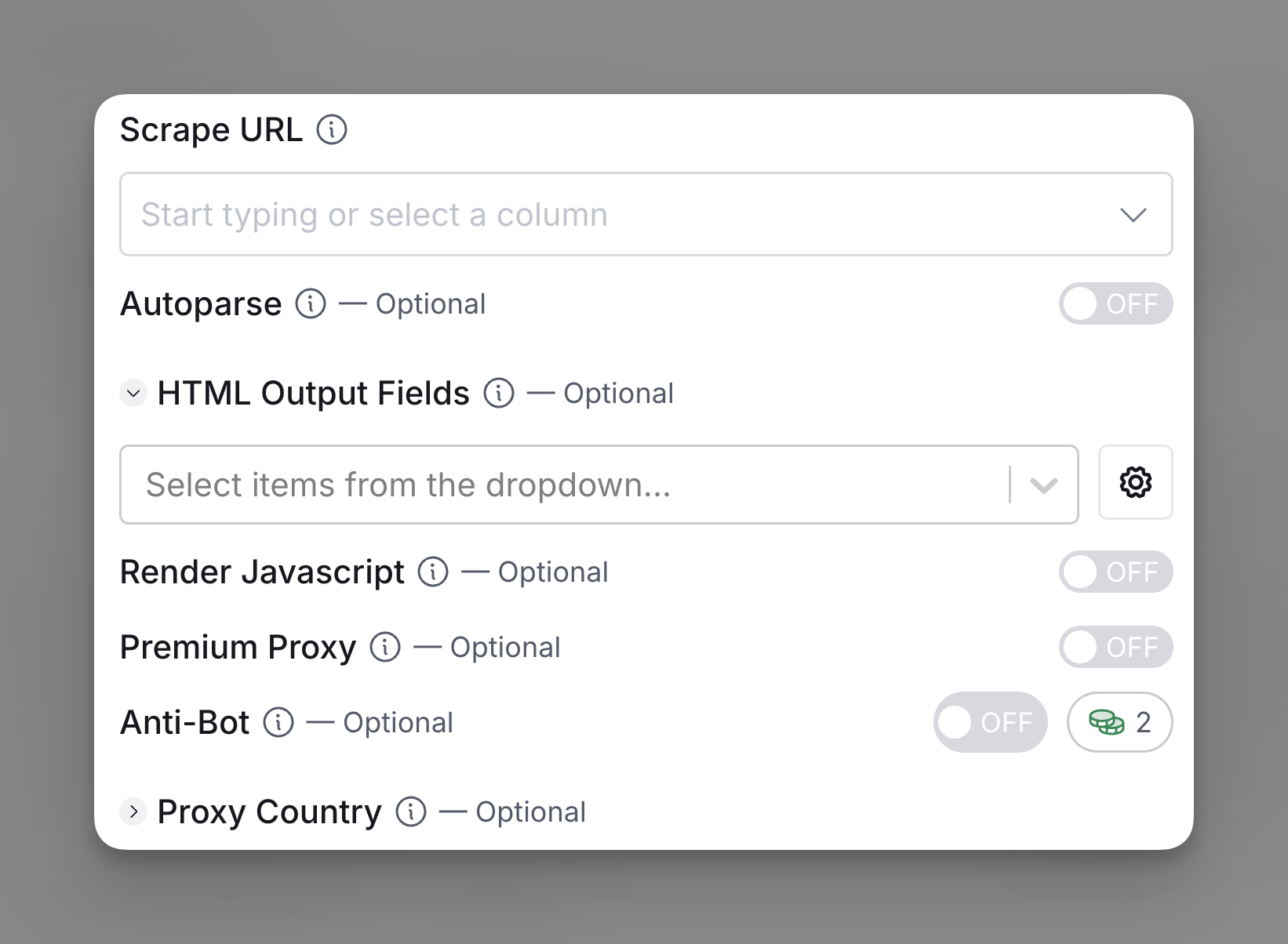
Input the URL you are trying to scrape. Additionally, you can also toggle the following outputs.
- Autoparse: Automatically parse scraper response.
- HTML Output Fields: Select specific HTML elements to extract.
- Render Javascript: Enable for pages needing JavaScript.
- Premium Proxy: Use a premium proxy for privacy.
- Anti-Bot: Enable anti-bot measures for protected sites.
- Proxy Country: Specify proxy’s country with a two-letter code.
Step 4: Configure run settings
Auto-update: HitHorizons will automatically enrich any new rows that get added to the table. Learn more about auto-update in this this brief guide.
Conditional runs: To run enrichment only under specific conditions, use formulas that trigger the column when the formula is true. See this Clay University lesson.

Explore other docs
Other popular resources
Join a cohort, learn Clay fast!
The faster way to master Clay. Sign in if you're enrolled in a cohort (current or past) or apply!
Hire GTME Talent
Find and connect with GTM talent who've demonstrated expertise in building advanced workflows